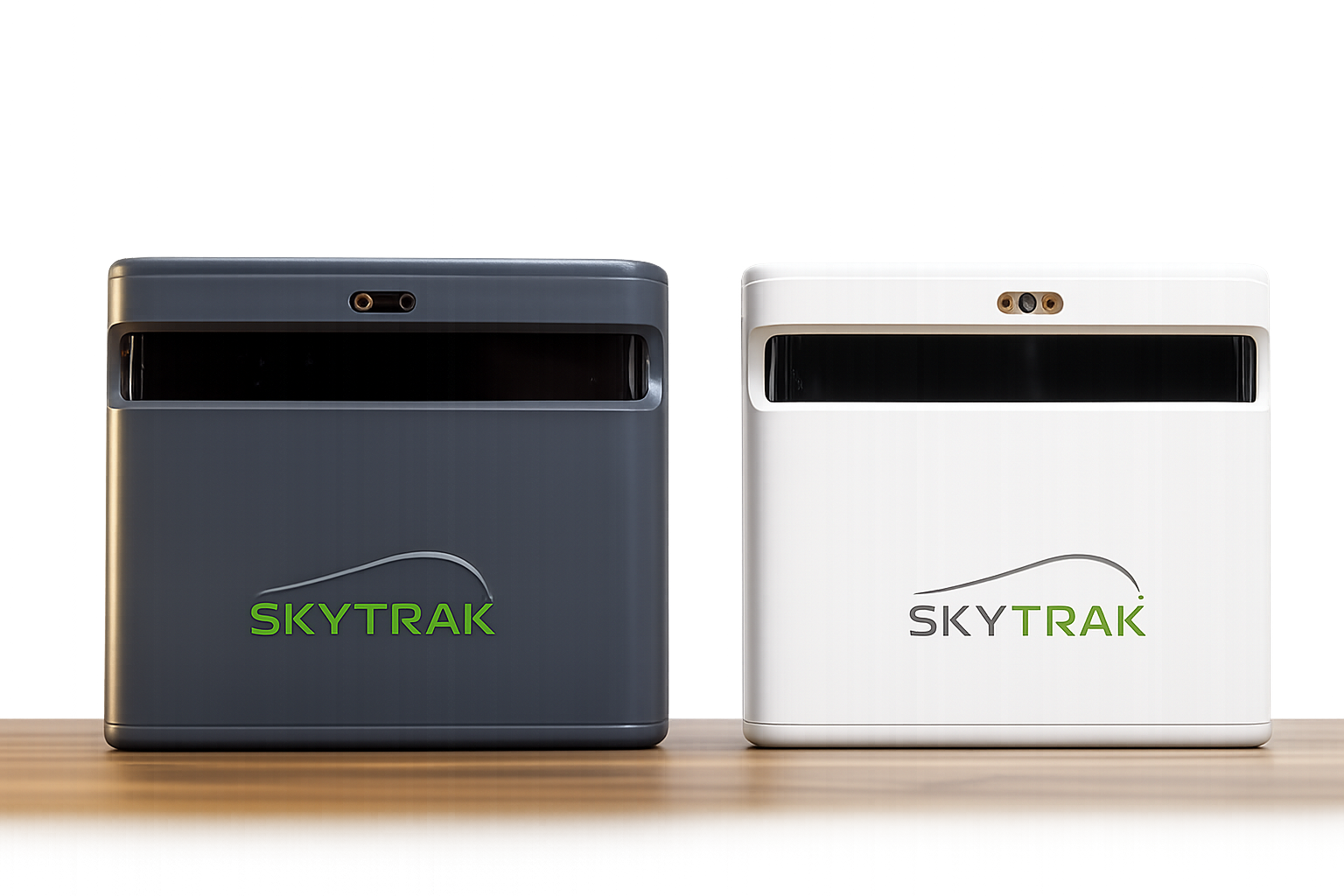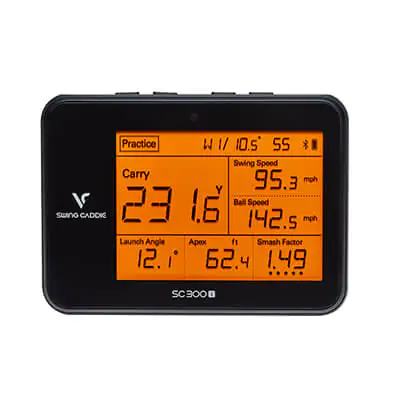
The SkyTrak+ launch monitor (sometimes listed as ST+) represents a major step forward from the original SkyTrak, offering a more complete blend of ball data, club data, structured practice tools, and simulator compatibility. Positioned firmly in the mid-to-high-end consumer category, SkyTrak+ is designed for golfers who want meaningful feedback and immersive practice without stepping into professional-only pricing tiers.
Our evaluation is based on hands-on testing and extended use across indoor simulator setups and structured practice environments. We focus on data reliability, usability, software depth, and long-term ownership cost — not just feature lists.
Overview: What Is the SkyTrak+?
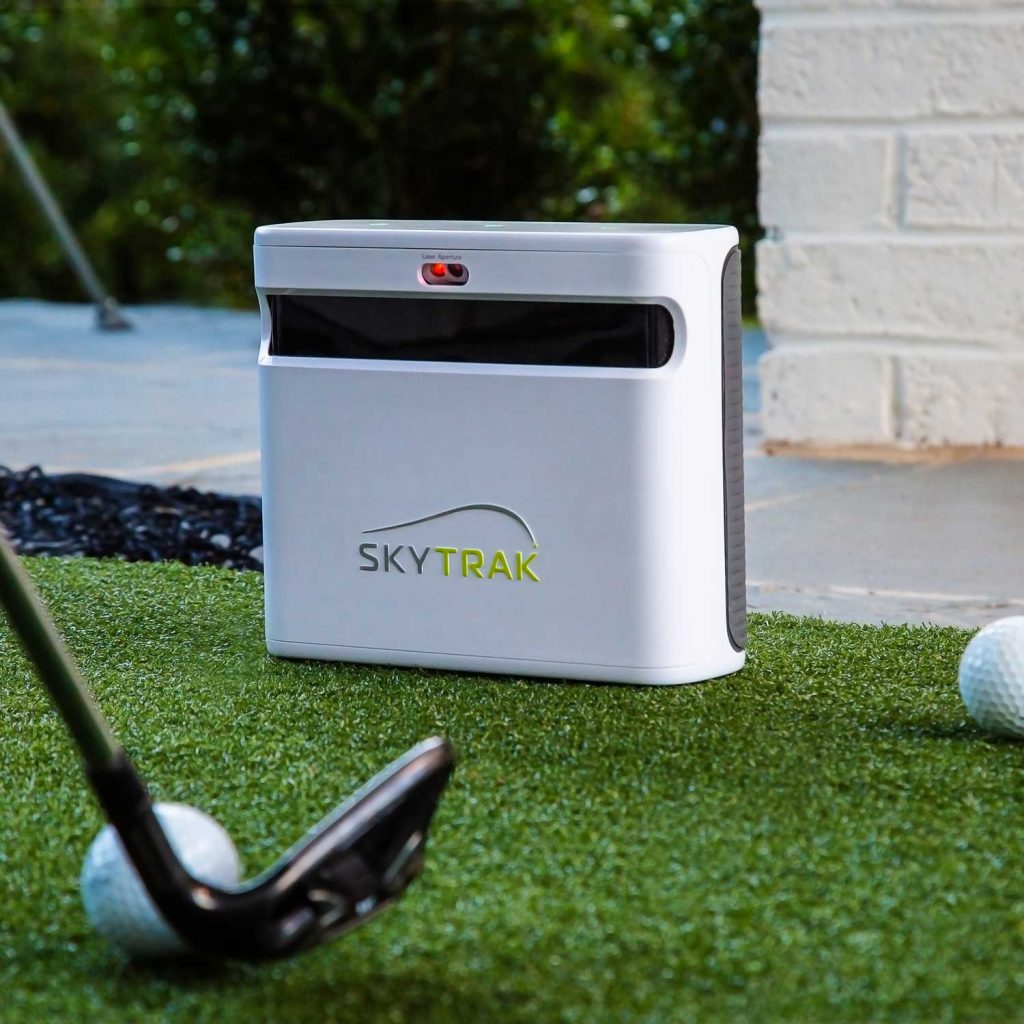
The SkyTrak+ is a hybrid golf launch monitor that combines dual Doppler radar technology with an enhanced photometric camera system. This hybrid approach allows the unit to measure both ball flight and select club delivery metrics with greater consistency than camera-only consumer devices.
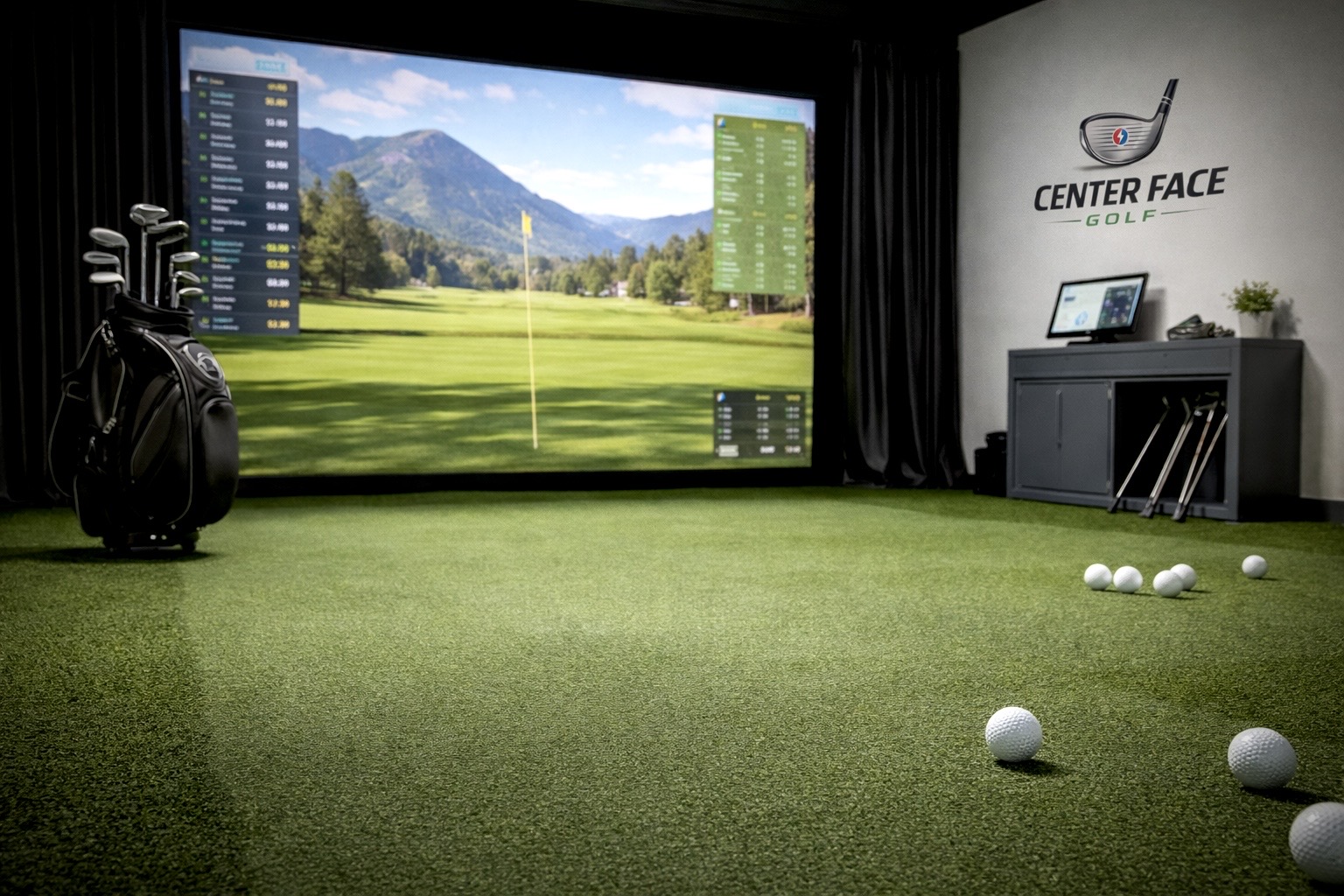
Designed for both indoor simulator use and outdoor practice, the SkyTrak+ pairs with SkyTrak’s software ecosystem as well as several third-party simulator platforms, making it a versatile option for golfers focused on improvement and play.
Features & Capabilities
Hybrid Radar + Camera Data Tracking
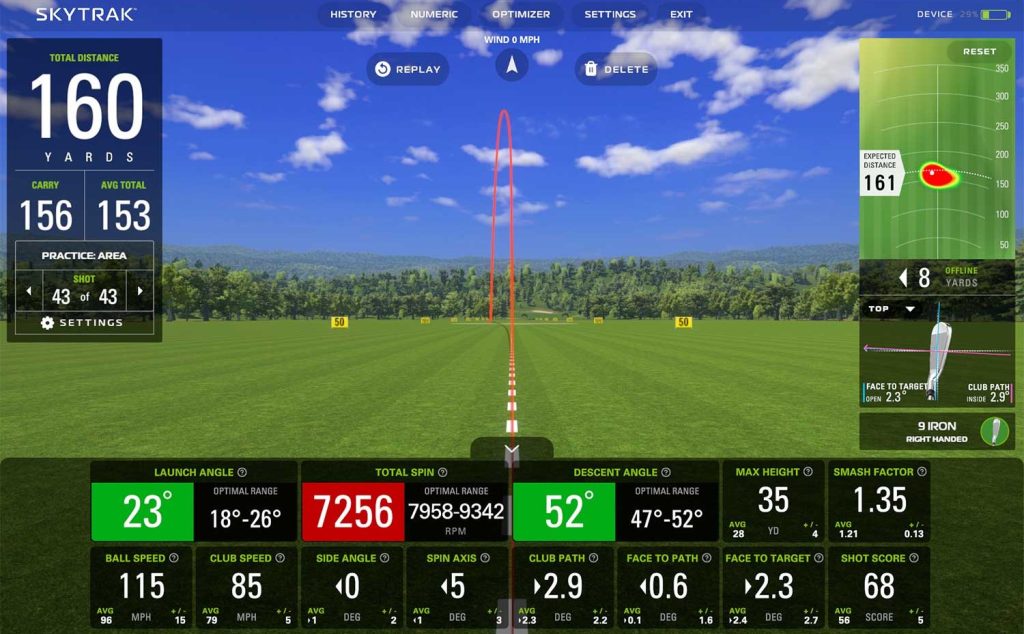
SkyTrak+ uses a combination of radar and camera tracking to deliver a well-rounded data set suitable for practice, gapping, and swing feedback.
Key measured metrics include:
Ball Data
• Ball speed
• Launch angle
• Carry distance and total distance
• Spin rate and side angle
Club Data
• Clubhead speed
• Smash factor
• Club path
• Face angle
All core data is captured without special balls or club stickers, which simplifies setup and day-to-day use.
Practice & Improvement Tools
One of SkyTrak+’s strongest advantages is its integrated practice ecosystem. With an active membership, golfers gain access to:
• Bag mapping and wedge matrix tools
• Skills assessments and targeted practice modes
• Shot optimizer with visual red/yellow/green feedback
• Cloud-based session history and performance tracking
These features help structure practice sessions and turn raw data into actionable improvement.
Simulator & Software Compatibility
SkyTrak+ supports a wide range of simulation options, including:
• Native SkyTrak Course Play with extensive course libraries
• Third-party simulator platforms such as E6 Connect, World Golf Tour (WGT), and The Golf Club (TGC)
• Access to tens of thousands of virtual courses through supported software ecosystems
This flexibility makes SkyTrak+ a solid foundation for golfers building a home simulator or hybrid practice space.
Pros & Cons
Pros
• Balanced ball and club data for practice-focused golfers
• Hybrid radar + camera tracking improves consistency
• Large hitting zone compared to original SkyTrak
• Strong simulator and software compatibility
• Structured practice tools like bag mapping and shot optimizer
Cons
• Subscription required for advanced practice tools and simulator play
• Total ownership cost can increase over time
• No dedicated putting data
• Indoor setup and alignment are important for best accuracy
SkyTrak+ vs SkyTrak ST MAX
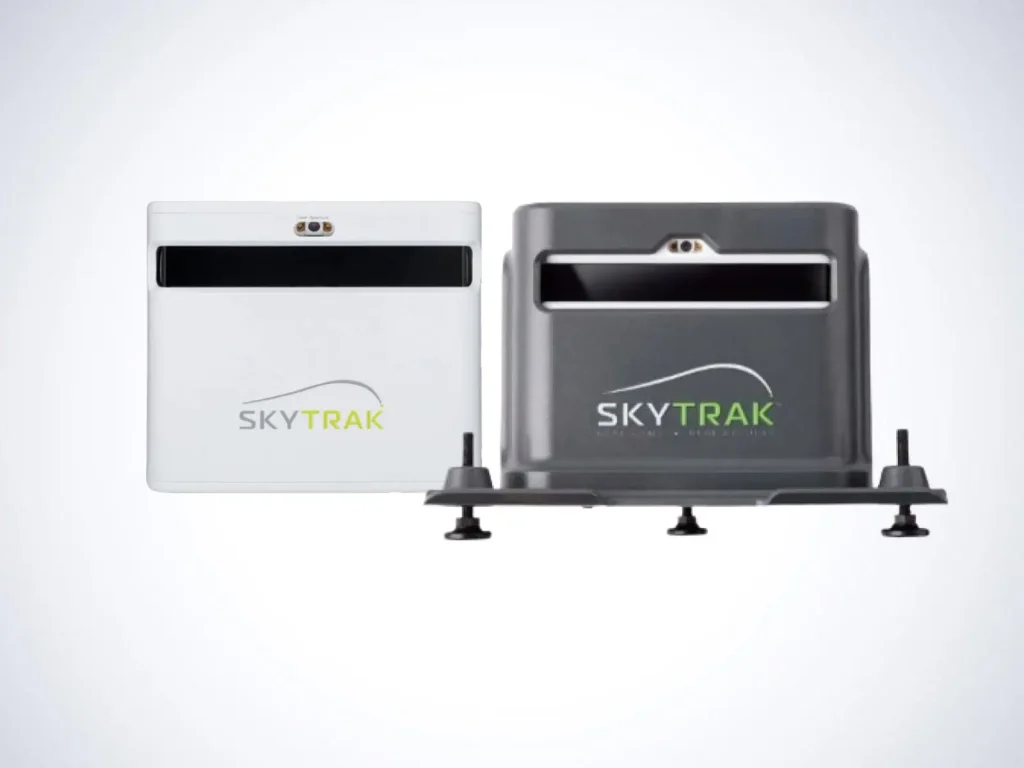
Compared to the SkyTrak ST MAX, the SkyTrak+ offers:
• Lower upfront cost
• Fewer advanced club metrics
• No dedicated speed training module
The ST MAX adds deeper analytics, structured speed training powered by GOLFTEC, and a more premium hardware package — but at a higher total cost.
For a deeper dive, see our SkyTrak ST Max vs SkyTrak+ article
For full details of the ST MAX, read our complete SkyTrak ST MAX Review
Price & Value
The SkyTrak+ typically retails between $1,995 and $2,495, depending on retailer and bundle configuration. Refurbished or promotional pricing may occasionally bring that number lower.
While the hardware cost places it above entry-level launch monitors, SkyTrak+ delivers strong value through:
• Reliable hybrid data tracking
• A deep practice ecosystem
• Broad simulator compatibility
Keep in mind that software memberships are sold separately, with tiered plans that unlock simulator courses, advanced analytics, and extended practice tools.
SkyTrak+
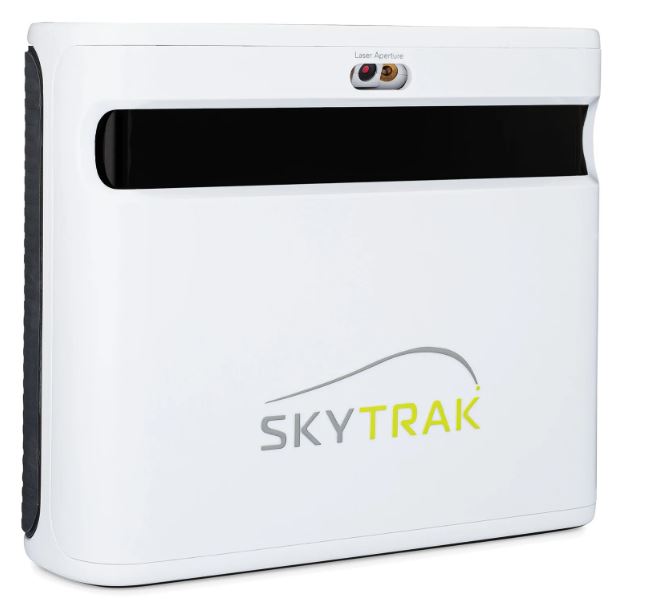
The SkyTrak+ delivers enhanced camera-based ball and club data in a compact, simulator-ready design built for dedicated indoor practice.
Affiliate Disclosure: If you purchase through this link, we may earn a commission at no additional cost to you.
Who the SkyTrak+ Is Best For
• Golfers building a home simulator on a controlled budget
• Players who want structured practice tools alongside simulation
• Users upgrading from the original SkyTrak
• Golfers who value software depth and practice modes
Golfers who want no-subscription ownership or maximum portability may prefer radar-based alternatives in similar price ranges.
Final Verdict: Is the SkyTrak+ Worth It?
The SkyTrak+ launch monitor strikes a strong balance between data quality, practice tools, and simulator flexibility. Its hybrid radar-and-camera system delivers meaningful feedback for improvement, while its software ecosystem provides structure that keeps practice engaging.
While the subscription model and lack of putting data may be drawbacks for some, golfers who actively use its training tools and simulator features will find SkyTrak+ to be one of the most capable and versatile launch monitors in its class.