If you’re looking to move beyond portable launch monitors and build a true home golf simulator, ceiling-mounted systems like the ProTee VX quickly rise to the top of the conversation. Designed for serious golfers, instructors, and dedicated simulator builds, the ProTee VX promises high-end accuracy, a large hitting zone, and no required subscriptions—all at a price point that undercuts many competing overhead systems.
After extended hands-on use, simulator testing, and data analysis, this ProTee VX launch monitor review breaks down how it performs in real-world conditions and whether it’s worth the investment in 2026.
What Is the ProTee VX Launch Monitor?
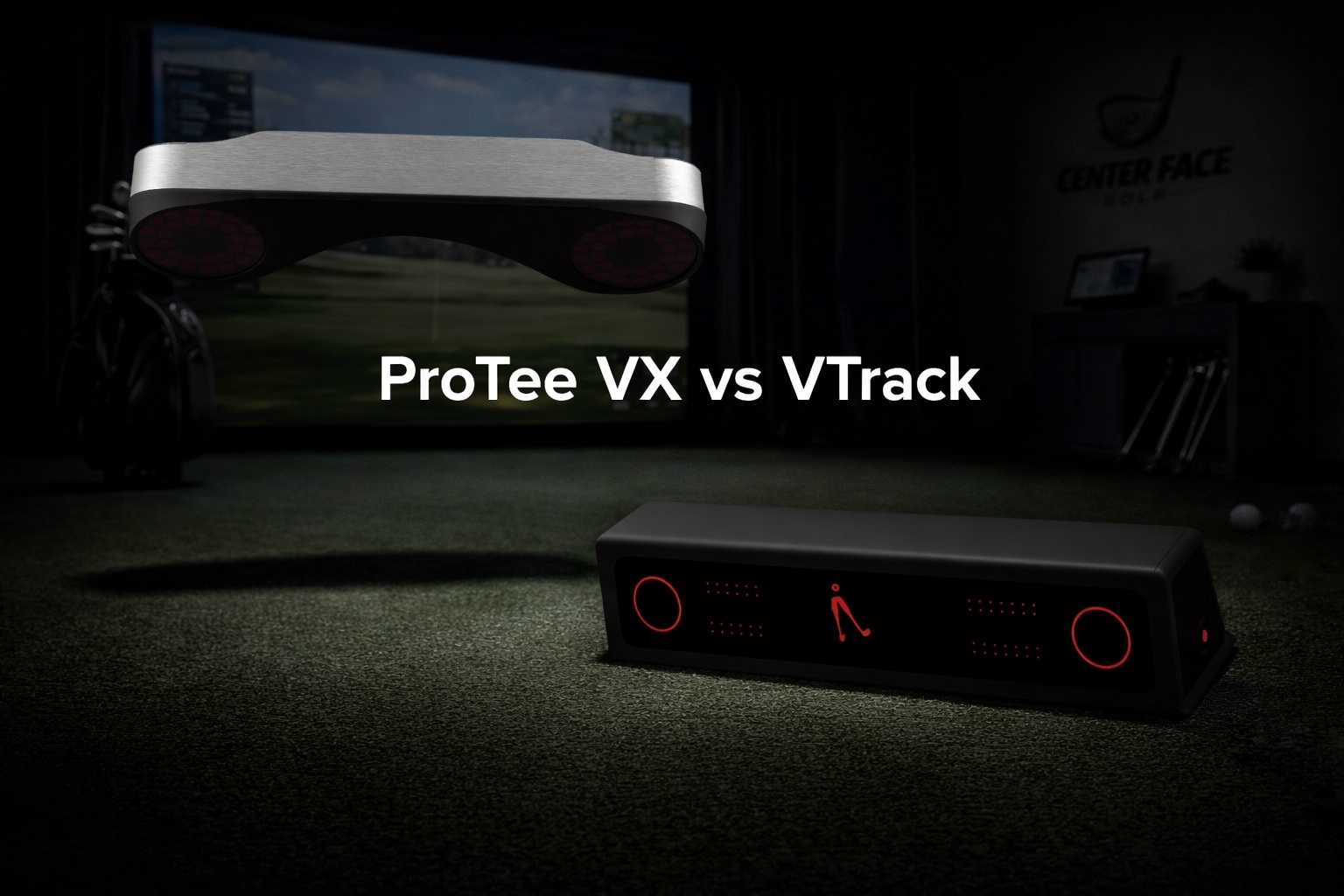
The ProTee VX is a ceiling-mounted, camera-based golf launch monitor built specifically for indoor simulator environments. It uses dual high-speed cameras combined with AI-driven tracking to measure both ball and club data without requiring marked balls or club stickers.
Unlike portable or floor-mounted launch monitors, the VX stays permanently mounted above the hitting area, creating a clean, unobstructed simulator bay while delivering near-instant feedback on every shot.
The system is aimed squarely at:
• Dedicated home simulator owners
• Teaching professionals and coaching studios
• Golfers who prioritize accuracy and long-term value over portability
Key Features & Capabilities

The ProTee VX separates itself from many competitors with a combination of hardware precision and software flexibility.
Dual High-Speed Camera System
• Uses two overhead cameras with AI-assisted tracking
• Captures ball flight and club delivery data with minimal latency
• Performs reliably across short shots, wedges, and full swings
Large, Shared Hitting Zone
• 25” x 21” hitting area
• Supports both right- and left-handed golfers without recalibration
• Ideal for shared simulator spaces or instruction
No Stickers or Marked Balls Required
• Full ball and club data captured naturally
• Lower ongoing cost and simpler daily use
ProTee Labs Software (Included)
• Perpetual license included with purchase
• Customizable data panels and analytics dashboards
• Video replay and impact visualization tools
• No subscription fees for native software
Simulator Software Compatibility
The ProTee VX integrates with popular third-party platforms, including:
• GSPro
• TGC 2019
• E6 Connect
• Creative Golf 3D
(Third-party connectors and software licenses sold separately.)
Installation & Setup Experience

Once ceiling placement is planned, installing the ProTee VX is relatively straightforward for a permanent simulator system:
• Typical mounting time: 10–20 minutes
• Calibration process is guided and intuitive
• After setup, daily use requires no repositioning or alignment
Because the unit is ceiling-mounted, it’s not portable—but that tradeoff delivers consistency, cleanliness, and long-term reliability.
Practice, Coaching & Improvement Tools
Although the ProTee VX is often marketed as a simulator-first system, it offers powerful practice and coaching tools:
• Comprehensive ball & club data: Launch angle, spin rates, carry distance, club speed, face angle, club path, impact location, and more
• Visual feedback: Camera-based replays paired with numeric metrics
• Customizable views: Focus on the metrics most relevant to your swing goals
• Trend analysis: Track shot dispersion and consistency over time
For instructors and data-focused golfers, this depth of feedback makes diagnosing swing issues faster and more precise.
Note: Full virtual course play requires third-party simulator software such as GSPro or E6 Connect.
ProTee VX Pros and Cons
Pros
• Excellent accuracy from dual-camera, AI-assisted tracking
• Large hitting zone supports right- and left-handed players seamlessly
• No stickers or special balls required
• Perpetual ProTee Labs software license included
• Clean, professional ceiling-mounted design
• Strong compatibility with leading simulator platforms
Cons
• Premium upfront cost (~$6,500)
• Requires a capable Windows PC for simulator play
• Third-party simulator software adds to total investment
• Permanent installation limits portability
Some advanced users note occasional nuances when interpreting certain spin metrics in specific simulator integrations, but these are generally edge-case scenarios rather than widespread issues.
Price, Value & Long-Term Ownership
The ProTee VX is priced around $6,500, placing it firmly in the premium home golf simulator category. However, that price includes:
• Dual-camera launch monitor hardware
• A perpetual ProTee Labs software license
Unlike many competing systems, there are no mandatory annual subscriptions, which significantly improves long-term value for frequent users.
ProTee VX

The ProTee VX is a polished, overhead launch monitor built for serious simulator owners who want mature software, reliable performance, and long-term platform stability.
Affiliate Disclosure: If you purchase through this link, we may earn a commission at no additional cost to you.
While you’ll still need to budget for a capable PC and optional simulator software, the absence of recurring fees makes the VX especially attractive for golfers planning to own their system for years.
ProTee VX vs Other Ceiling-Mounted Launch Monitors
Compared to other overhead systems in the same class, the ProTee VX offers:
• Competitive accuracy at a lower price point
• A larger hitting zone than many rivals
• More flexible software ownership (no forced subscription)
This positions it as a strong alternative to higher-priced ceiling-mounted launch monitors that often exceed $10,000 when software costs are factored in. For golfers researching the best launch monitors under $10,000, the ProTee VX often appears on the shortlist alongside other ceiling-mounted systems.
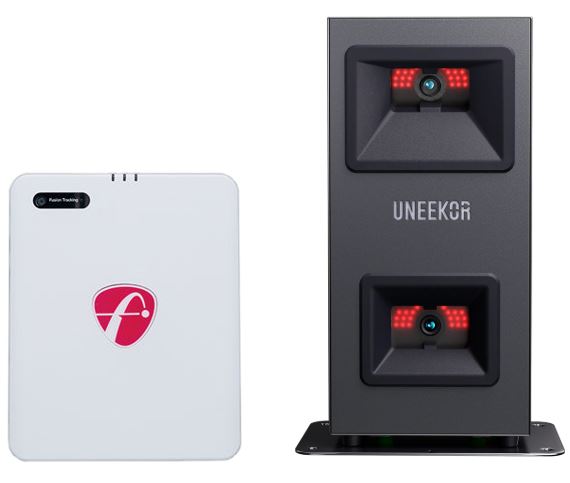
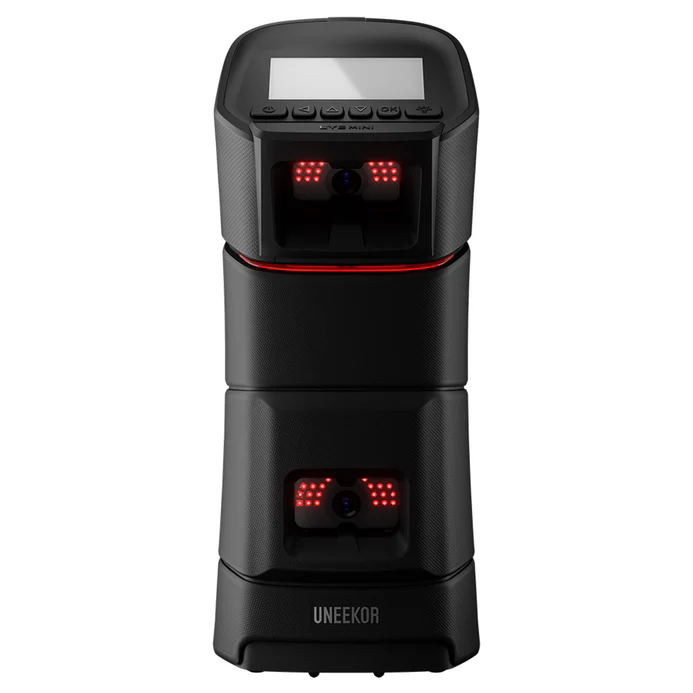
Golfers comparing overhead systems may also consider the Uneekor Eye XO2, another popular ceiling-mounted launch monitor for dedicated simulator builds.
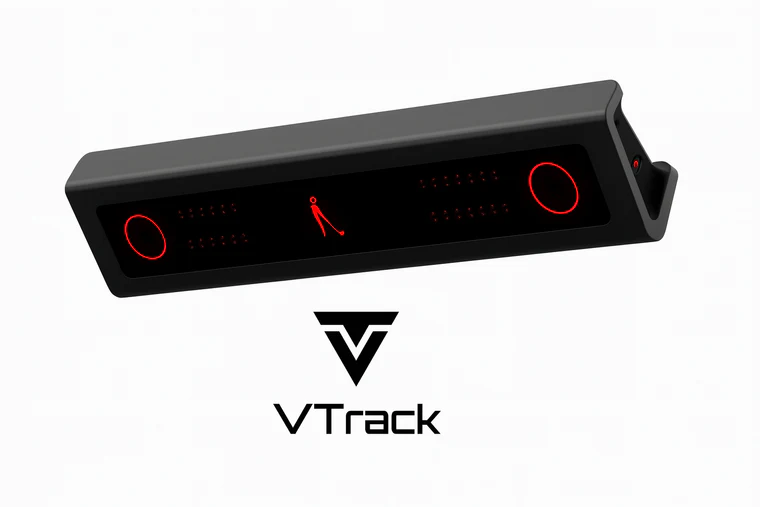
Comparing the VTrack and ProTee VX?
Our in-depth VTrack vs ProTee VX review breaks down accuracy, software, and long-term ownership differences.
Frequently Asked Questions (FAQ)
Is the ProTee VX accurate enough for serious practice?
Yes. Its dual-camera system delivers highly reliable ball and club data suitable for low handicappers, instructors, and competitive players.
Does the ProTee VX require a subscription?
No. ProTee Labs software is included with a perpetual license. Simulator course play requires optional third-party software.
Can the ProTee VX be used outdoors?
No. It is designed exclusively for indoor, ceiling-mounted simulator environments.
Is the ProTee VX good for left- and right-handed golfers?
Yes. The large hitting zone allows seamless switching without recalibration.
Final Verdict: Is the ProTee VX Worth It?
The ProTee VX launch monitor is an excellent choice for golfers who want ceiling-mounted precision, professional-grade data, and long-term value without recurring subscription fees. Its combination of accuracy, hitting-zone flexibility, and simulator compatibility makes it especially compelling for dedicated home simulators and teaching studios.
While the upfront investment and PC requirements place it firmly in the enthusiast and professional category, the ownership model and performance justify the cost for golfers serious about improvement and immersive simulator play.
If your goal is a clean, future-proof simulator setup with detailed performance feedback, the ProTee VX remains one of the strongest ceiling-mounted launch monitors available in 2026.
Check our page with current golf deals and coupon codes to see if any discounts are available on the ProTee VX.