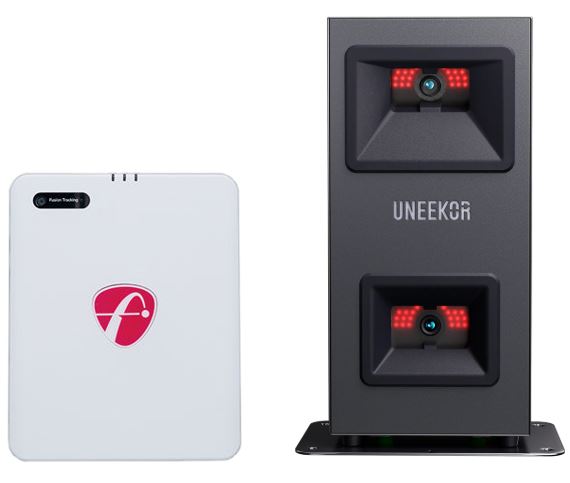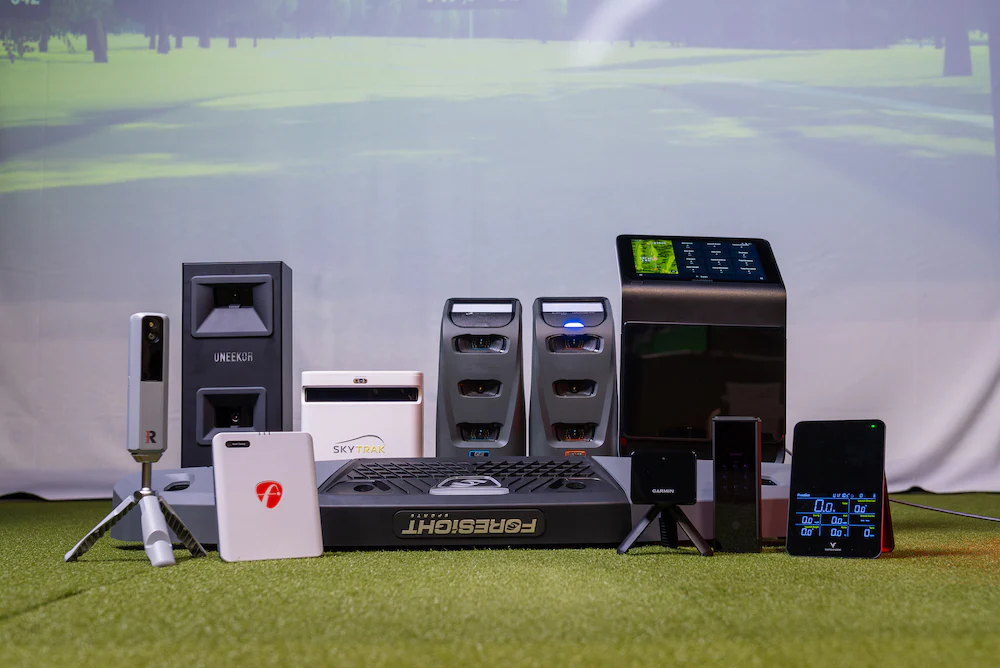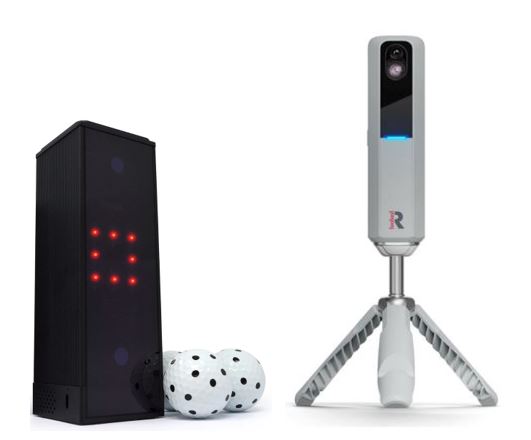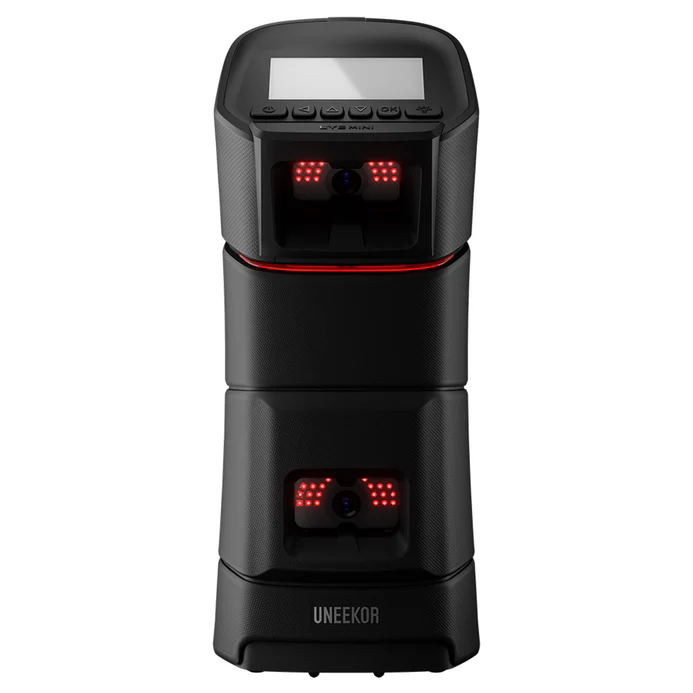
This Uneekor Eye Mini Lite review takes an in-depth look at a camera-based launch monitor designed specifically for indoor home simulator setups. The Eye Mini Lite delivers professional-grade ball data and Uneekor’s trusted imaging technology at a more accessible price point than the full Eye Mini. Positioned as a streamlined alternative, it focuses on accuracy, reliability, and simulator integration—without some of the portability features found in its higher-end sibling.
For golfers building a dedicated indoor simulator and prioritizing consistent ball data over battery-powered portability, the Eye Mini Lite fills a compelling niche in Uneekor’s lineup.
What Is the Uneekor Eye Mini Lite?
The Eye Mini Lite is a camera-based photometric launch monitor engineered primarily for indoor use. Like the Eye Mini, it uses Uneekor’s high-speed camera technology to capture detailed ball flight and club delivery data with extremely low latency.
The key distinction is focus:
• Eye Mini Lite: Indoor-only design, no internal battery
• Eye Mini: Indoor + outdoor use with built-in battery and onboard display
By removing portability features, Uneekor positions the Eye Mini Lite as a cost-effective solution for golfers who plan to practice exclusively indoors.
Golfers who want both indoor and outdoor flexibility often compare it to radar-based systems like the FlightScope Mevo Gen2 before deciding.
Key Features & Capabilities
Dual High-Speed Camera Tracking
The Eye Mini Lite uses dual high-speed cameras to capture impact and initial ball flight with exceptional precision.
• Extremely consistent indoor ball data
• Excellent performance with wedges and short shots
• Near-instant feedback with minimal shot delay
This camera-based approach gives the Eye Mini Lite an advantage over radar-based units in tight indoor spaces.
Golfers also comparing premium camera-based alternatives should read our full Foresight GC3 review.
Ball & Club Data Metrics
The Eye Mini Lite delivers a robust data set suitable for serious practice and simulator play.
Ball Data Includes
• Ball speed
• Launch angle (vertical & horizontal)
• Backspin and sidespin
• Carry distance
• Side angle and side distance
Club Data Includes (club stickers required)
• Clubhead speed
• Smash factor
• Club path
• Angle of attack
Like most camera-based launch monitors, the Eye Mini Lite requires reflective club stickers to unlock full club delivery metrics. These small decals must be applied consistently to ensure accurate club path and angle-of-attack readings. While some golfers prefer sticker-free systems, this is standard practice for photometric units and does not affect ball data accuracy. The data quality closely mirrors what golfers see from the full Eye Mini when used indoors.
Indoor-First Design

Unlike the Eye Mini, the Lite version:
• Does not include a built-in battery
• Requires a constant power source
• Is optimized exclusively for indoor simulator environments
For permanent setups, this tradeoff is rarely a downside and often results in a simpler, more consistent daily workflow.
Software & Simulator Compatibility
The Eye Mini Lite integrates seamlessly into Uneekor’s software ecosystem.
Included Software
• Uneekor VIEW software (no subscription required)
Third-Party Simulator Compatibility
• GSPro
• E6 Connect
• TGC 2019 (Third-party simulator licenses sold separately.)
Users familiar with the Eye Mini will find the software experience nearly identical when used indoors.
Eye Mini Lite vs Eye Mini: What’s the Difference?
While both units share core camera technology, they are designed for different use cases.
| Feature | Eye Mini Lite | Eye Mini |
| Indoor Use | Yes | Yes |
| Outdoor Use | No | Yes |
| Battery Powered | No | Yes |
| Built-In Display | No | Yes |
| Portability | Limited | High |
| Price | Lower | Higher |
Golfers who plan to practice both indoors and outdoors may prefer the Eye Mini, while those building a fixed simulator often find the Lite version to be the better value.
Indoor Accuracy & Real-World Performance
In side-by-side indoor testing, the Eye Mini Lite produces extremely stable ball speed and spin readings, particularly with mid-irons and wedges. Carry distances are consistent session to session, which is critical for simulator play and gapping practice.
Camera-based systems like the Eye Mini Lite typically outperform radar units indoors when space is limited, especially in tracking short shots and lower-speed swings. Spin axis and launch direction are particularly reliable, making it well suited for golfers working on shot shaping and dispersion patterns.
As with most photometric systems, consistent lighting and proper alignment are essential for optimal performance.
Installation & Space Requirements
The Eye Mini Lite is side-mounted near the hitting area and typically requires:
• Approximately 7–9 feet of ceiling height
• Adequate side clearance for right- or left-handed play
• Consistent indoor lighting
Initial alignment is straightforward using Uneekor’s calibration tools, but careful positioning is important for optimal accuracy. Because the unit is side-mounted, right- and left-handed play may require minor repositioning depending on your setup. Once dialed in, however, most users report minimal day-to-day adjustment in a permanent simulator space.
Who Should Buy the Uneekor Eye Mini Lite?
The Eye Mini Lite is best suited for:
• Golfers building a dedicated indoor home simulator
• Players who value accuracy over portability
• Users who do not need outdoor or range functionality
• Golfers comparing camera-based systems under premium pricing tiers
Golfers who want outdoor range use or battery-powered flexibility should consider the full Uneekor Eye Mini.
You will also want to read the Best Golf Launch Monitors Under $5,000 guide.
Price & Long-Term Value
At $2,750, the Eye Mini Lite sits in a strategic middle ground: significantly more affordable than overhead commercial systems, yet offering more consistent indoor accuracy than most sub-$2,000 portable units. For golfers building a permanent simulator space, the value lies in precision rather than portability.
Uneekor Eye Mini Lite

The Uneekor Eye Mini Lite is a compact, camera-based launch monitor built for golfers who want serious indoor accuracy and simulator performance without stepping into full commercial pricing.
Affiliate Disclosure: If you purchase through this link, we may earn a commission at no additional cost to you.
Pros and Cons
Pros
• Excellent indoor accuracy from camera-based tracking
• Very low shot delay
• Strong short-game and wedge performance
• No subscription required for native software
• Lower cost than the full Eye Mini
Cons
• Indoor use only
• No battery or onboard display
• Club data requires reflective stickers
• Less portable than the Eye Mini
Frequently Asked Questions (FAQ)
Is the Eye Mini Lite as accurate as the Eye Mini?
Indoors, accuracy is very similar. The primary difference is portability, not data quality.
Can the Eye Mini Lite be used outdoors?
No. It is designed exclusively for indoor simulator environments.
Does the Eye Mini Lite require a subscription?
No subscription is required for Uneekor VIEW. Simulator software like GSPro requires a separate license.
Who should not buy the Eye Mini Lite?
Golfers who want outdoor range use or battery-powered flexibility should look at the full Eye Mini instead.
Final Verdict: Is the Uneekor Eye Mini Lite Worth It?
The Uneekor Eye Mini Lite is an excellent choice for golfers who want camera-based accuracy in a dedicated indoor simulator without paying for portability features they don’t need. It delivers the same reliable indoor performance Uneekor is known for, packaged in a more streamlined and cost-effective design.
If your simulator will live indoors and accuracy is your top priority, the Eye Mini Lite is one of the strongest options in Uneekor’s lineup.